Adecco

Adecco Direct, the staffing giant’s first self-serve tool: warehouse floor managers create job orders, schedules and shifts and see who’s checked in, without calling a recruiter.

Role
Product designer
Designs circa
2020–2021
Employment type
Contract
Type
Web app
First
Self-serve product

Desktop

11 screens
Dashboard
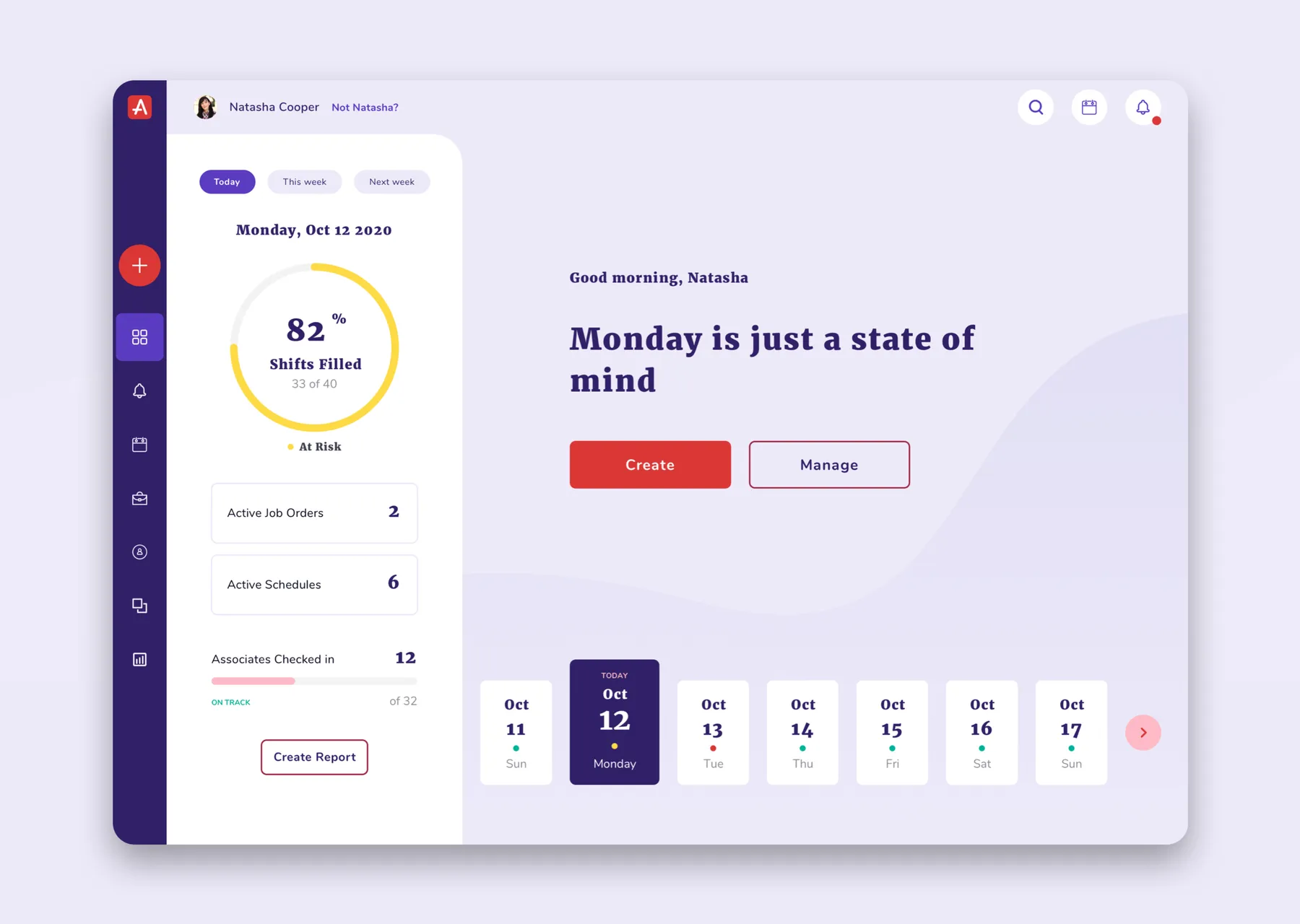
DashboardToday at a glance: shifts filled, active job orders and schedules, and who has checked in.
What do you want to create?
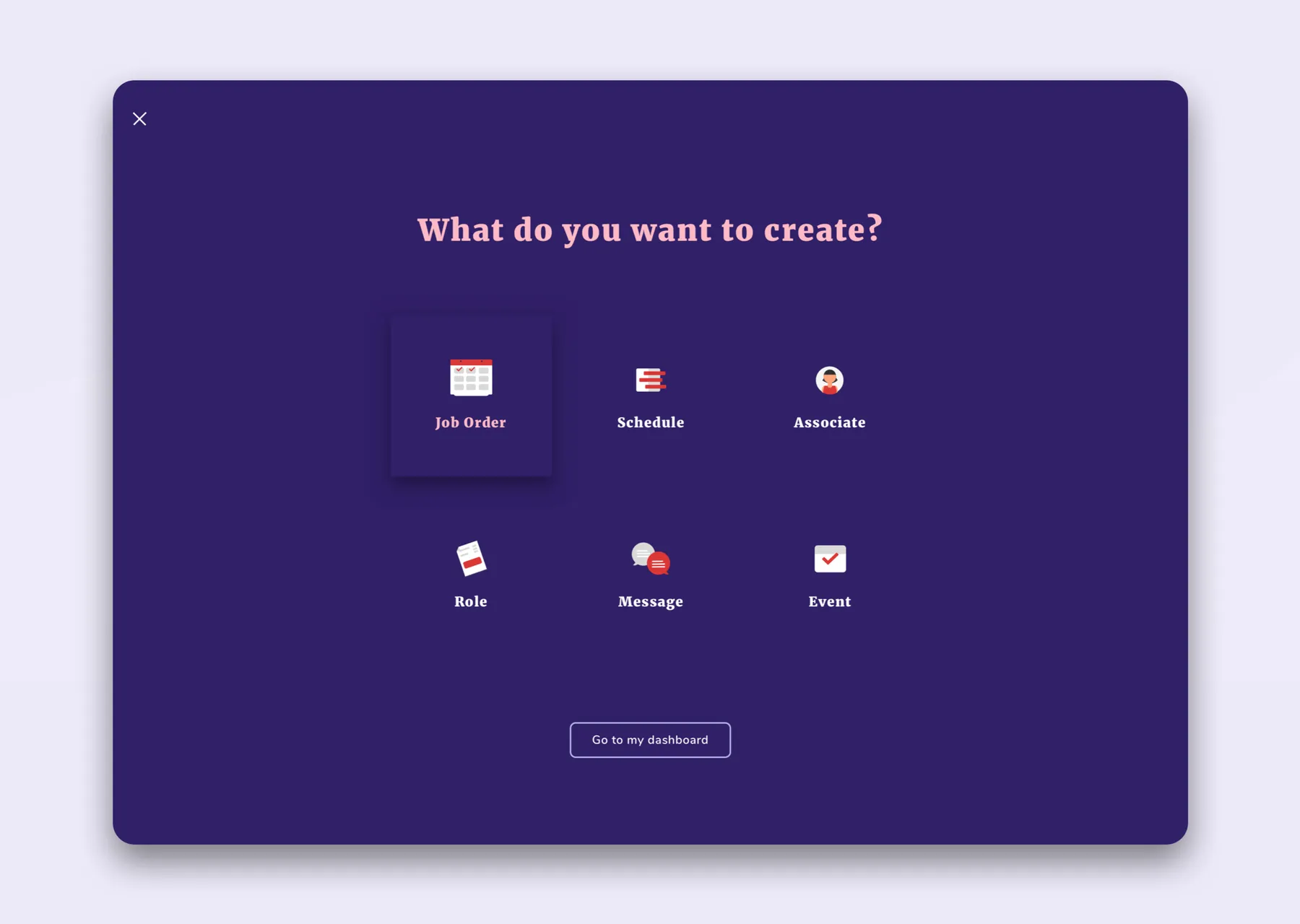
What do you want to create?One entry point for everything a floor manager makes: job orders, schedules, roles, messages and events.
Start From a Schedule
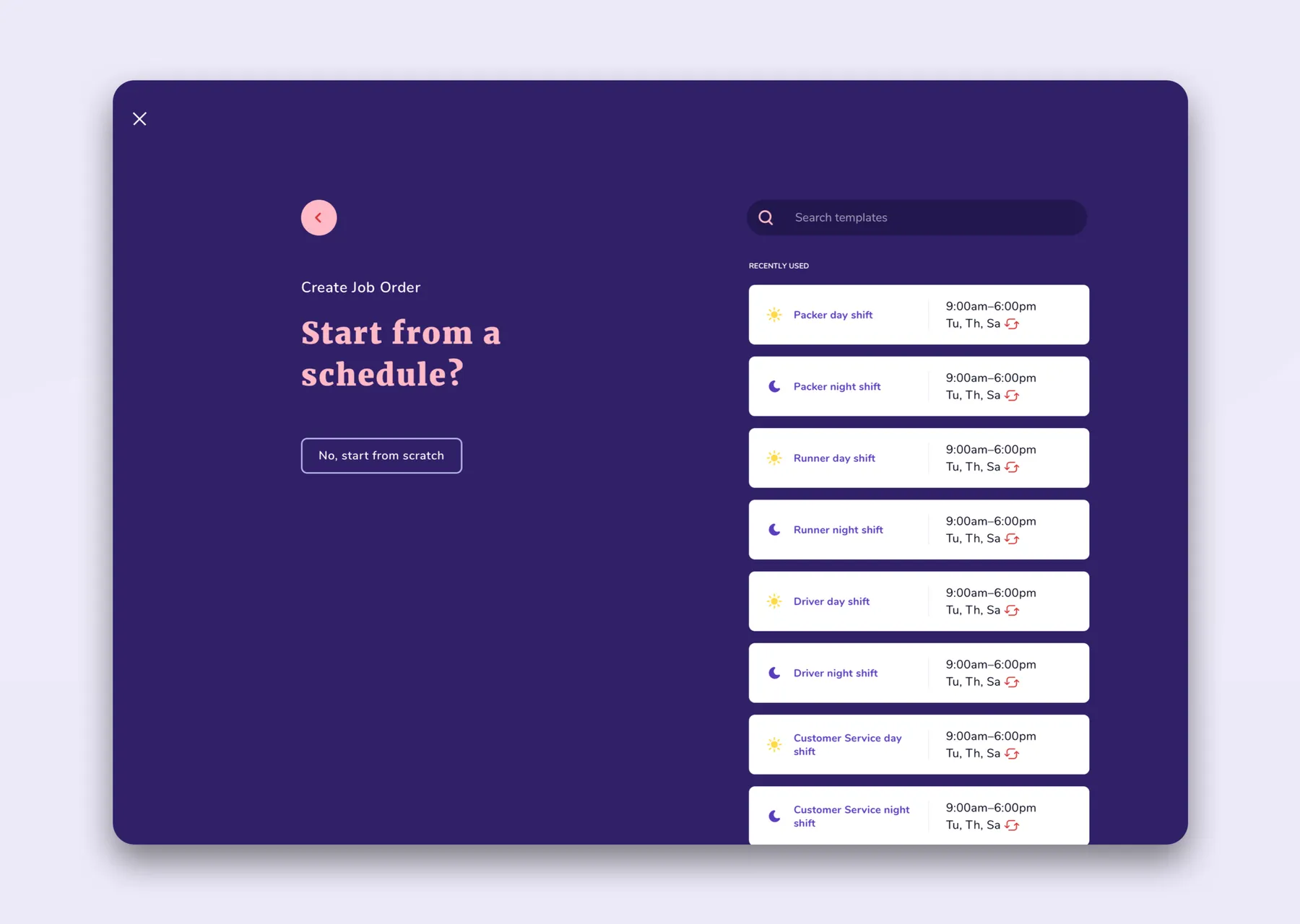
Start From a ScheduleReuse an existing schedule as a template instead of building a job order from scratch.
Job Order - Describe It
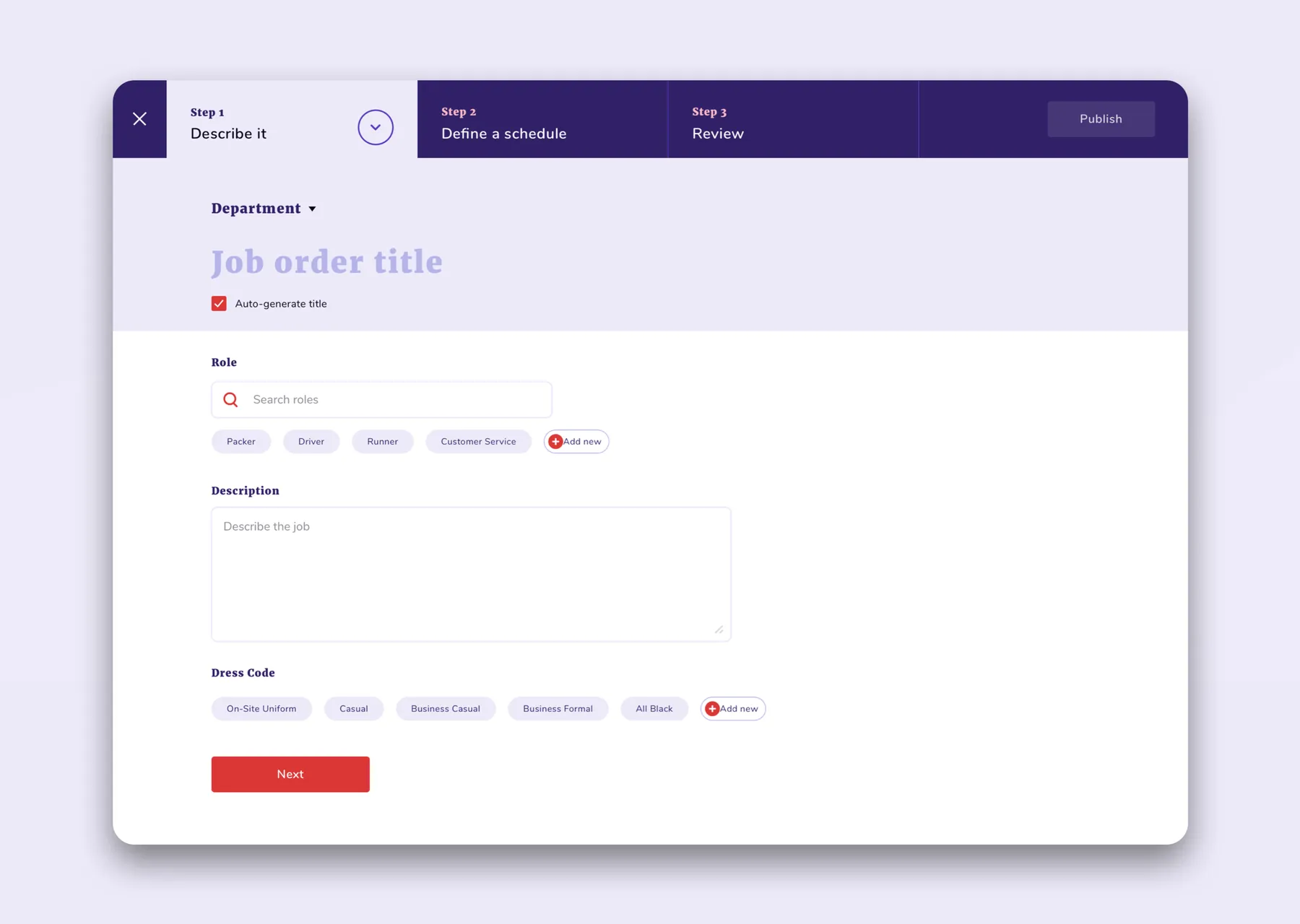
Job Order - Describe ItStep one of three: title, role, description and dress code, with smart suggestions.
Job Order - Shift Details
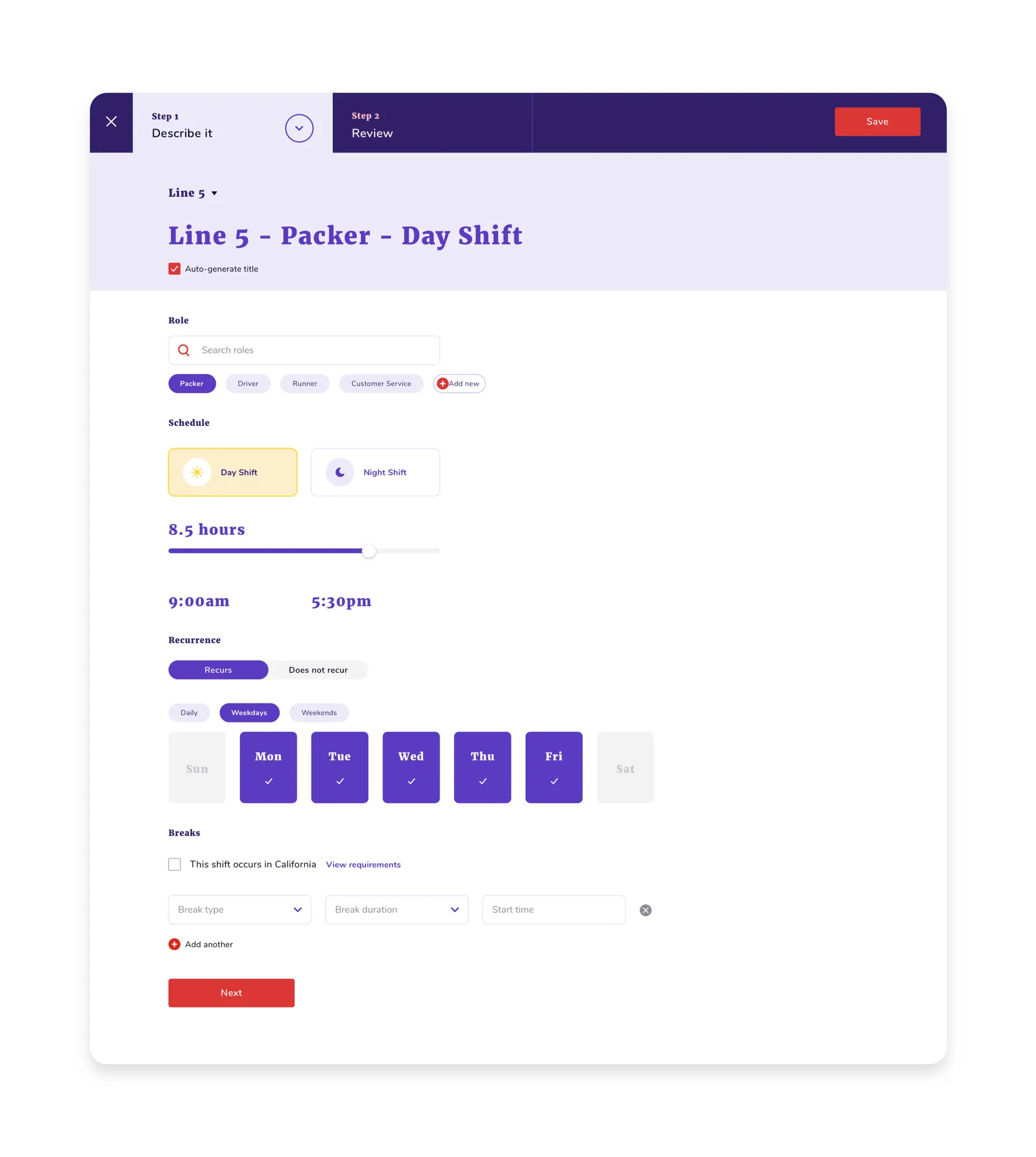
Job Order - Shift DetailsPay, headcount, days and times for a shift, all on one long form.
Job Order - Define a Schedule
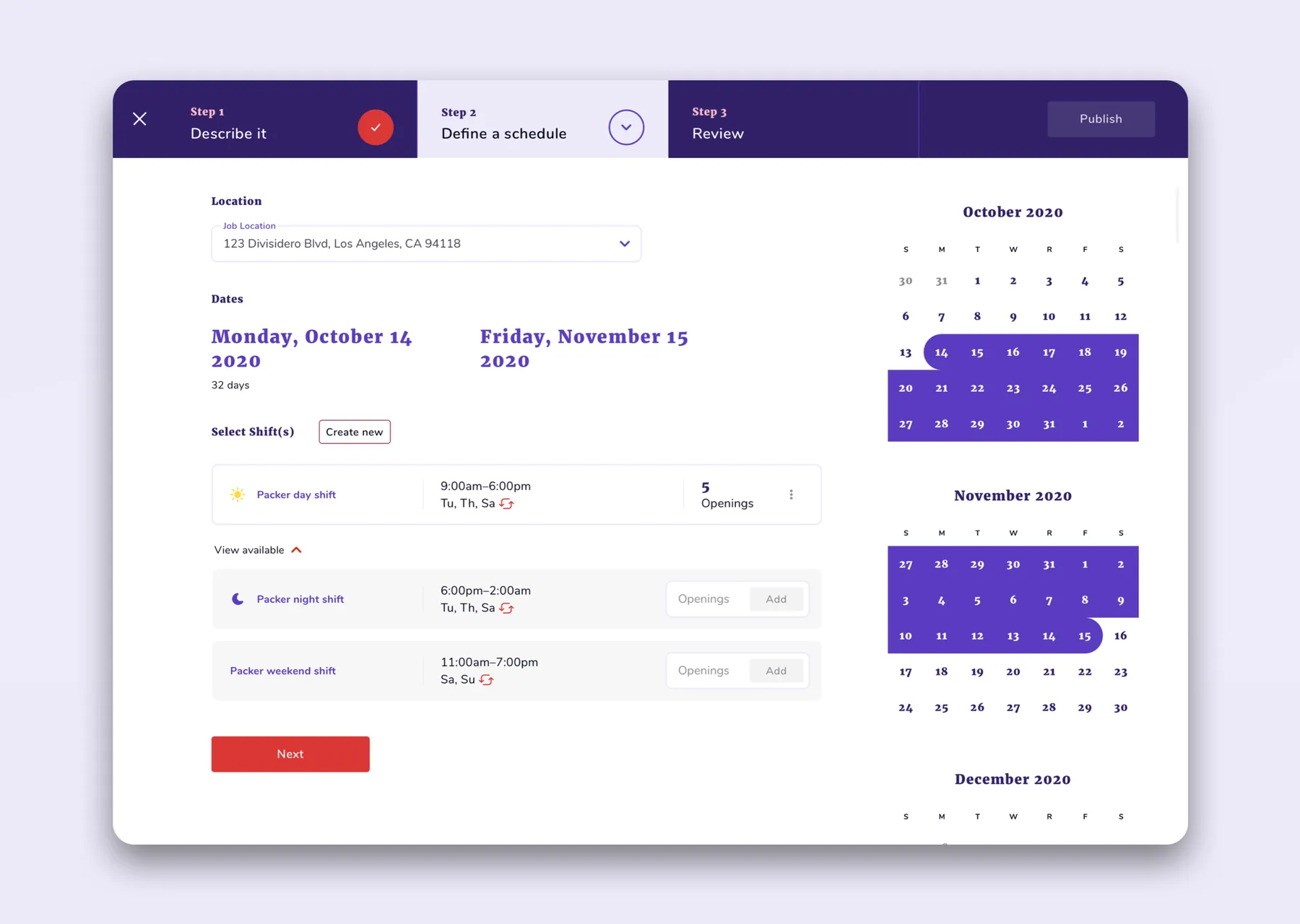
Job Order - Define a SchedulePick shifts against a calendar, with openings tracked per shift.
Calendar
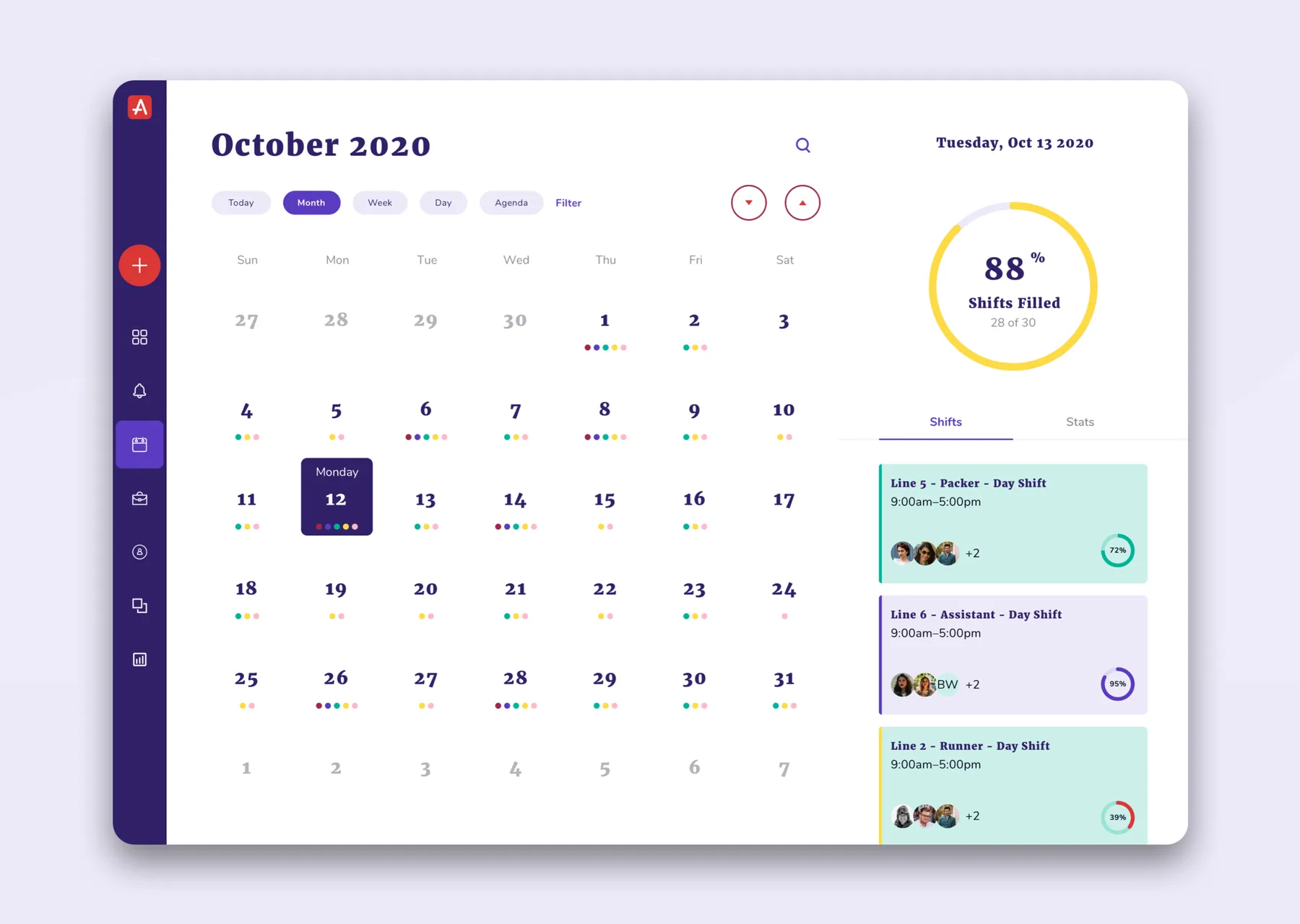
CalendarMonth view with each day’s fill rate and the shifts that still need people.
Job Orders
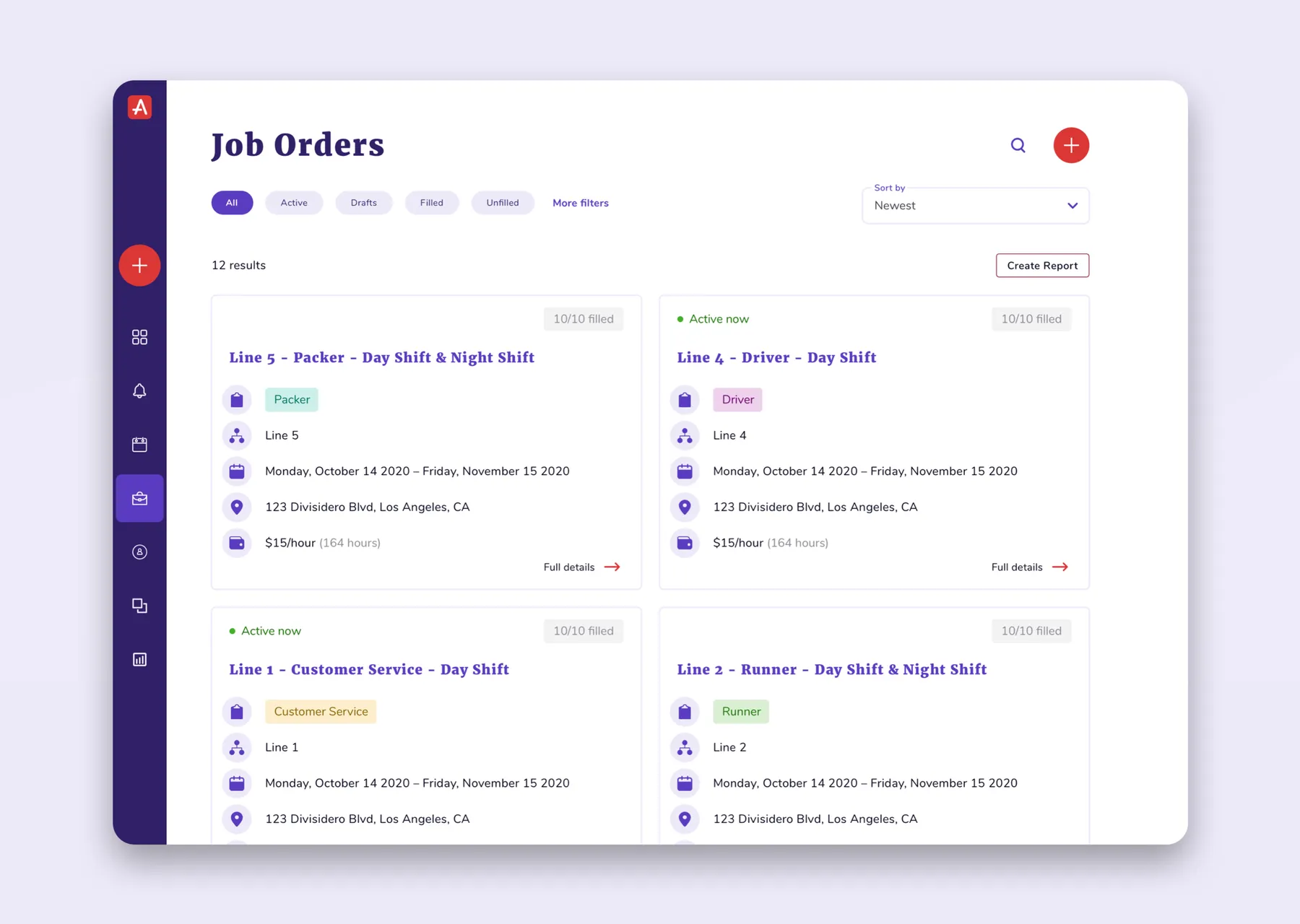
Job OrdersEvery open order as a card: role, location, dates and how many openings are left.
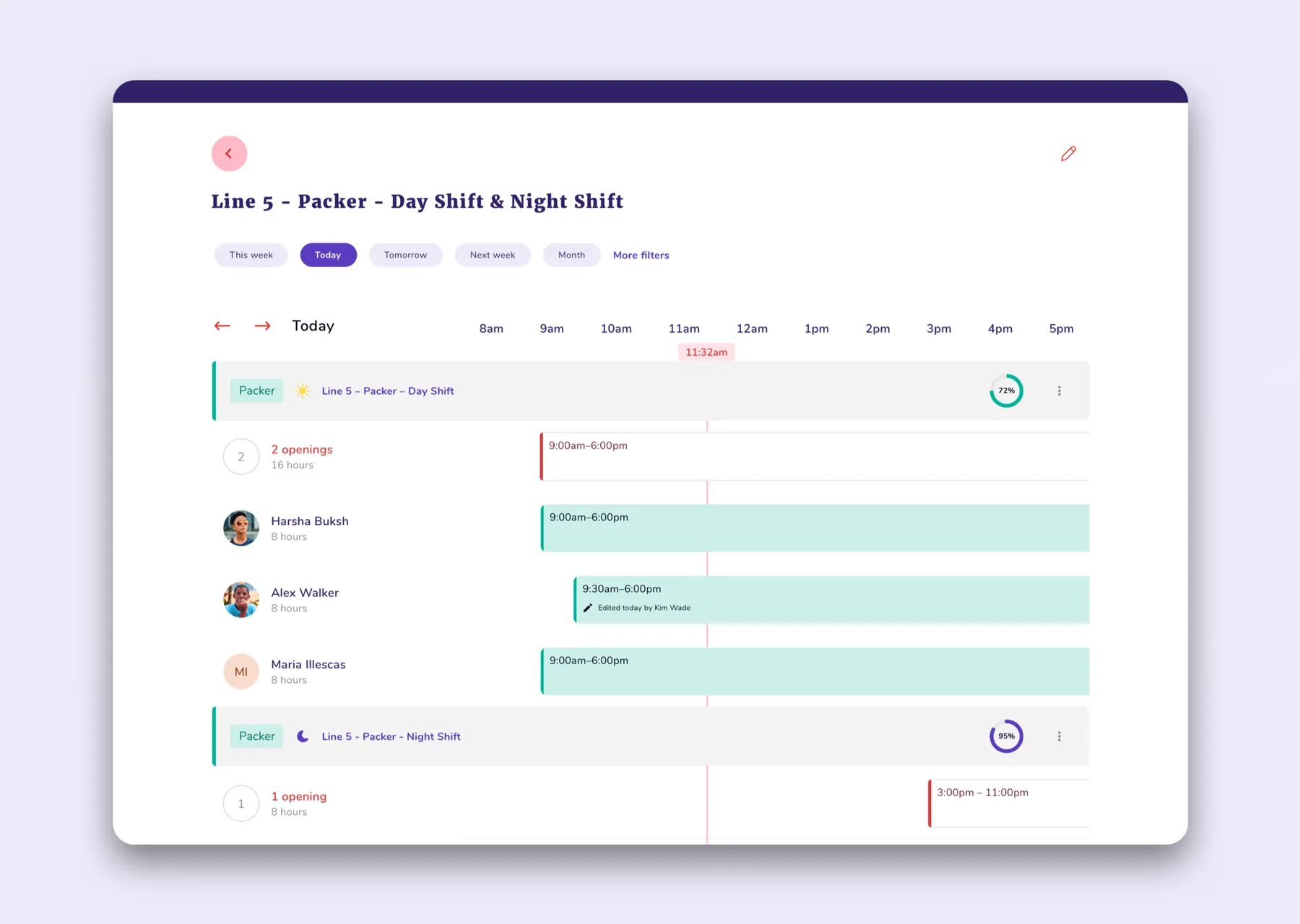
Shift Timeline
Shift TimelineA day’s shifts on a timeline, with who’s confirmed and where there are gaps.
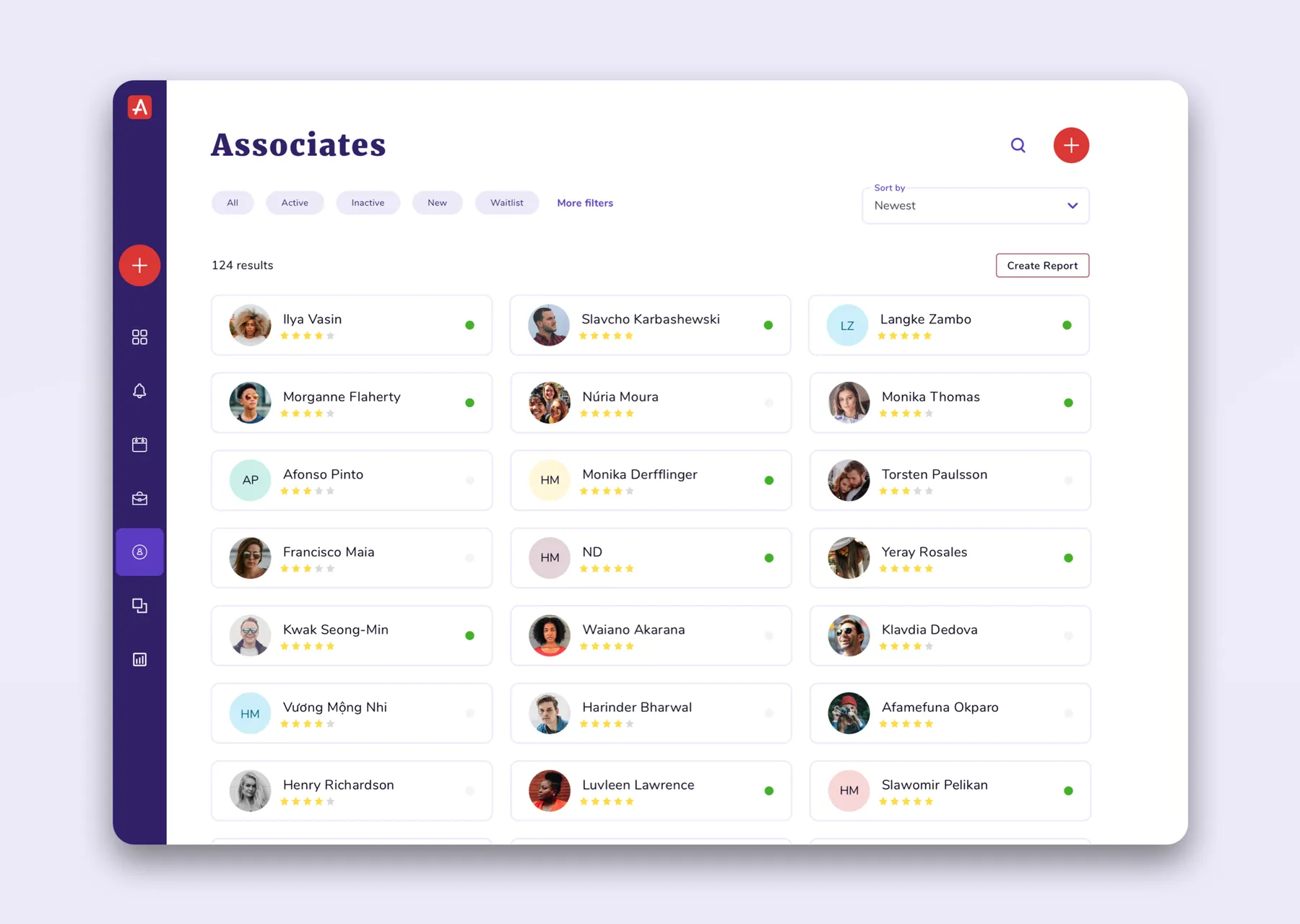
Associates
AssociatesThe roster, with ratings and availability, ready to invite to a shift.
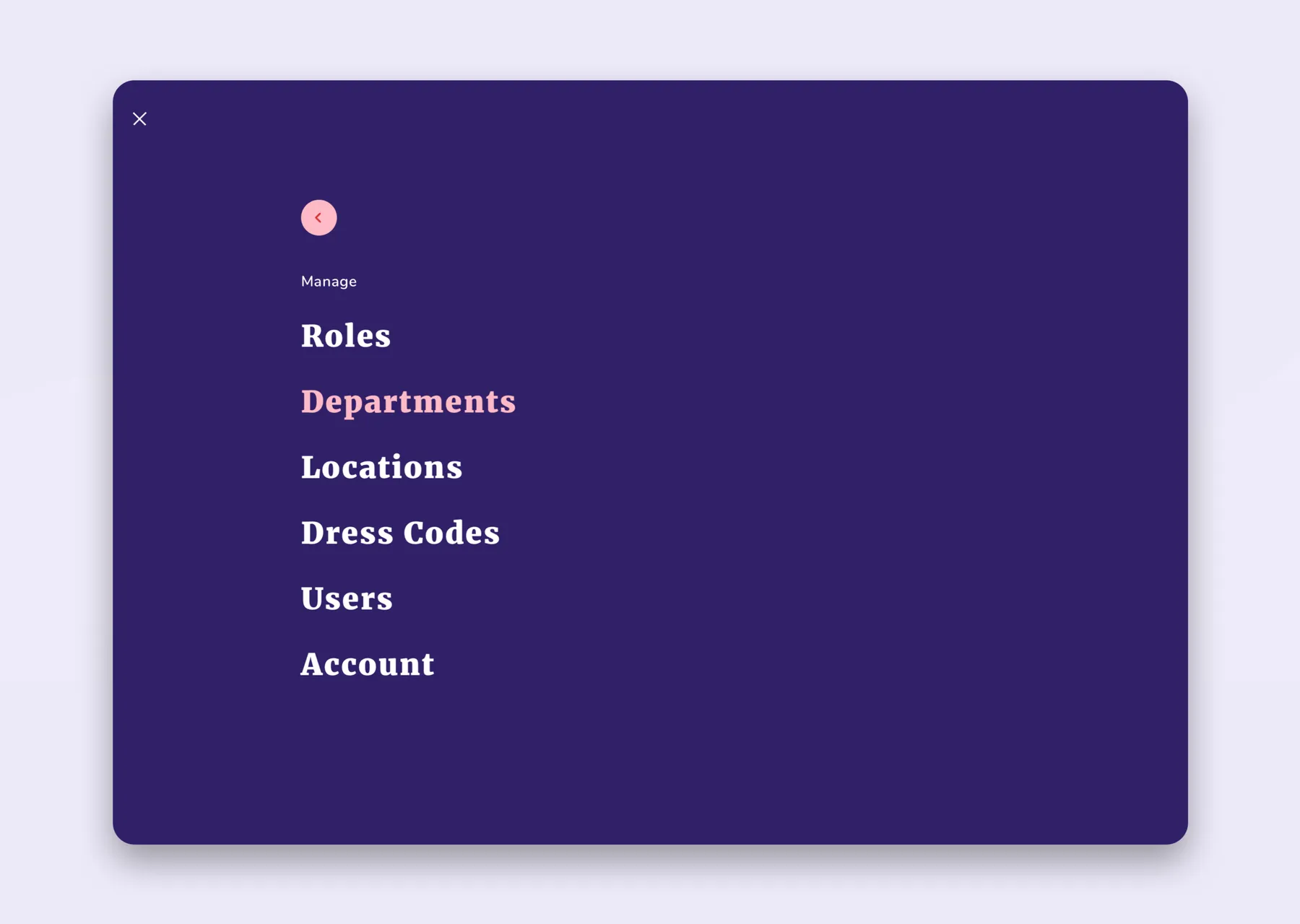
Manage
ManageSettings for the things that rarely change: roles, departments, locations, dress codes and users.

In Context

1 image
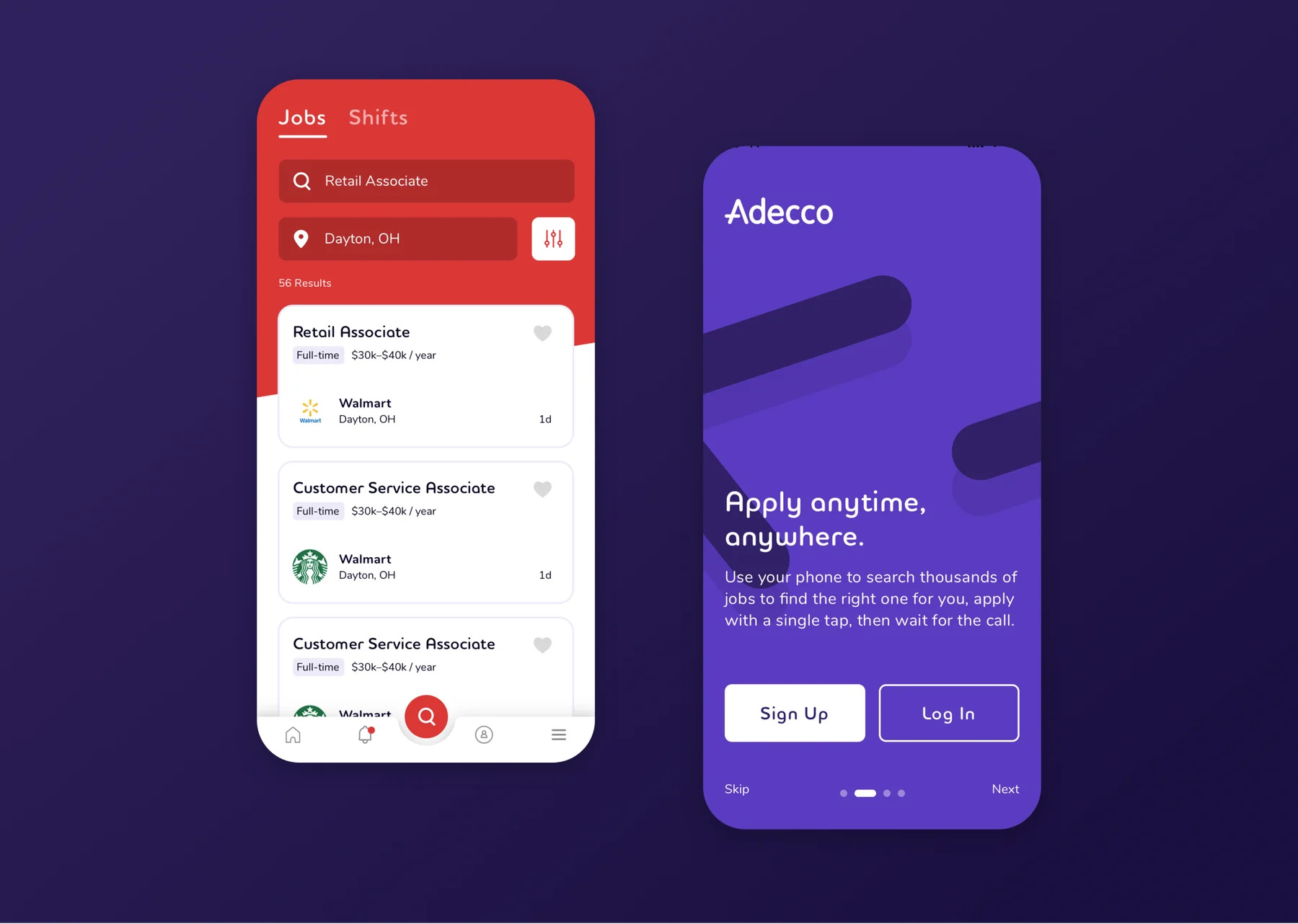
Adecco Mobile App
Adecco Mobile AppThe candidate side: search jobs near you and apply in a tap.