I Lit A Candle

A tiny iPhone app I designed and vibe-coded: light a candle, and a Live Activity timer on your lock screen keeps reminding you it’s burning.

Role
Designer & developer
Designs circa
2026
Employment type
Personal project
Type
Native iOS
Launched
July 2026

Mobile

13 screens
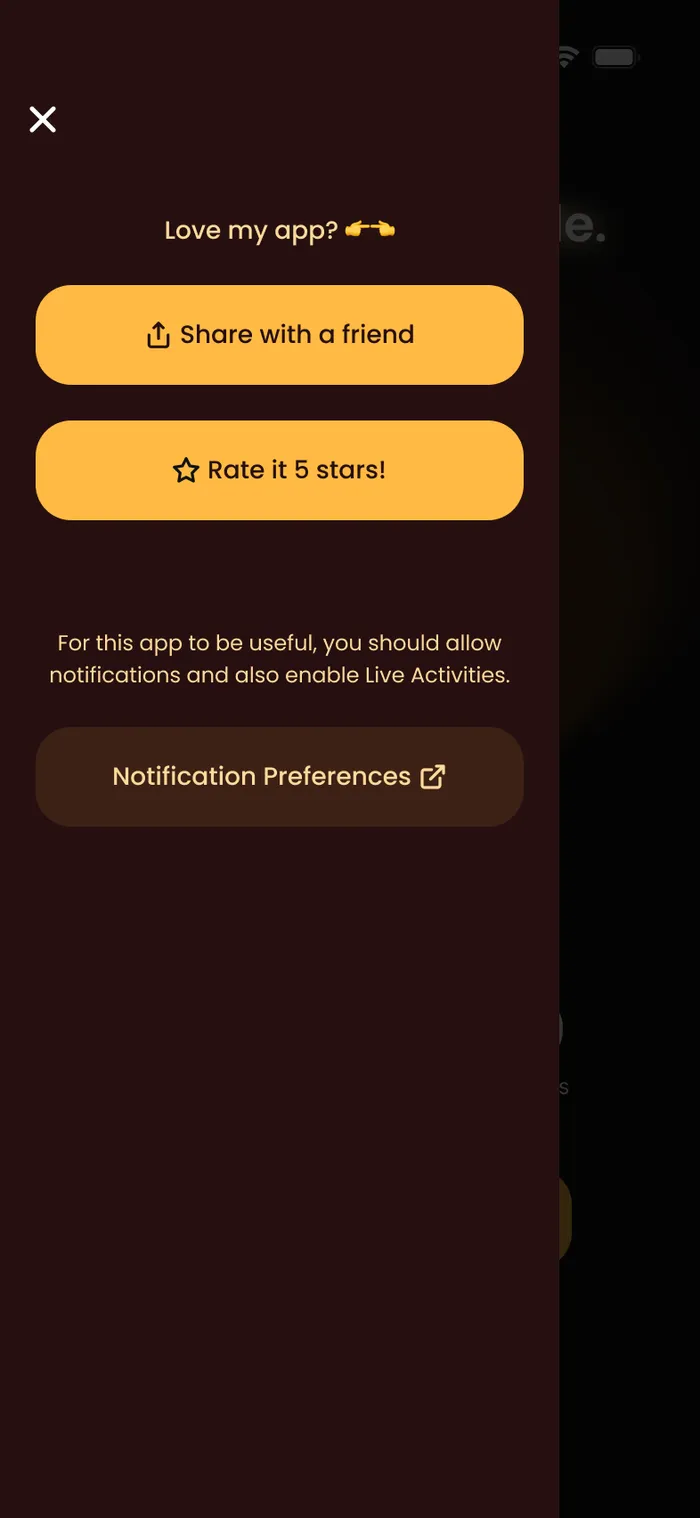
Menu
MenuShare with a friend, rate the app, and notification preferences.
Candle Burning - 1 to 2 Hours
Candle Burning - 1 to 2 HoursThe timer keeps counting and the message shifts as time passes.
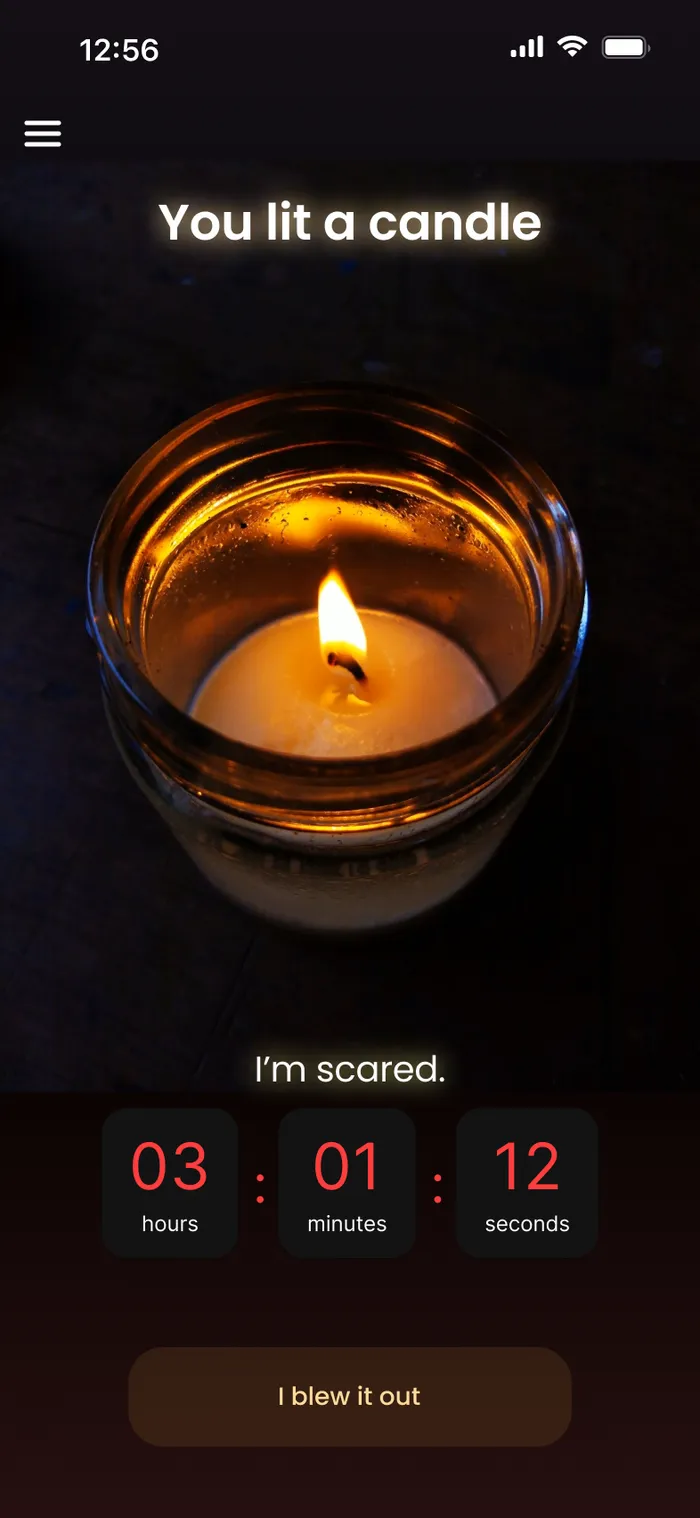
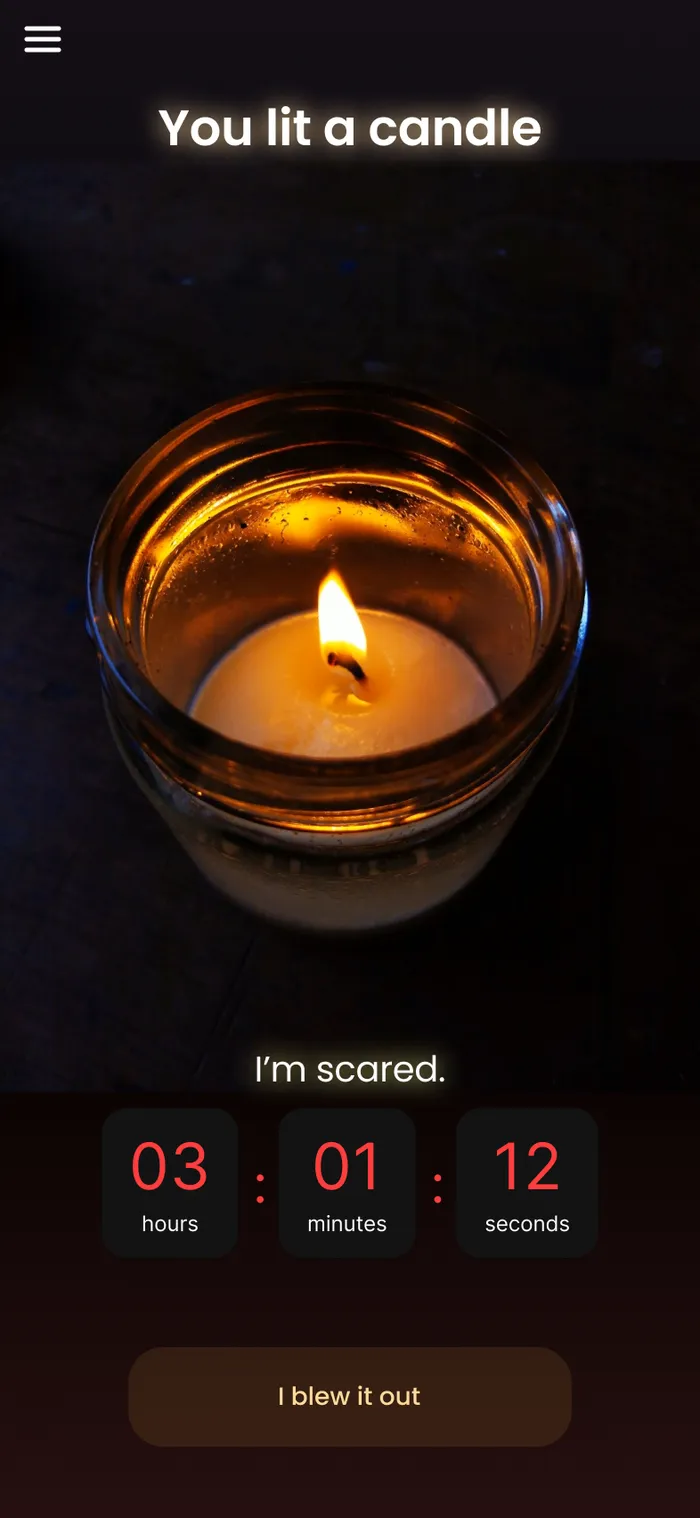
Candle Burning - 3+ Hours
Candle Burning - 3+ HoursAfter three hours the timer turns red: “I’m scared.”
Candle Burning - 3+ Hours (Alt)
Candle Burning - 3+ Hours (Alt)Alternate copy for a long burn.
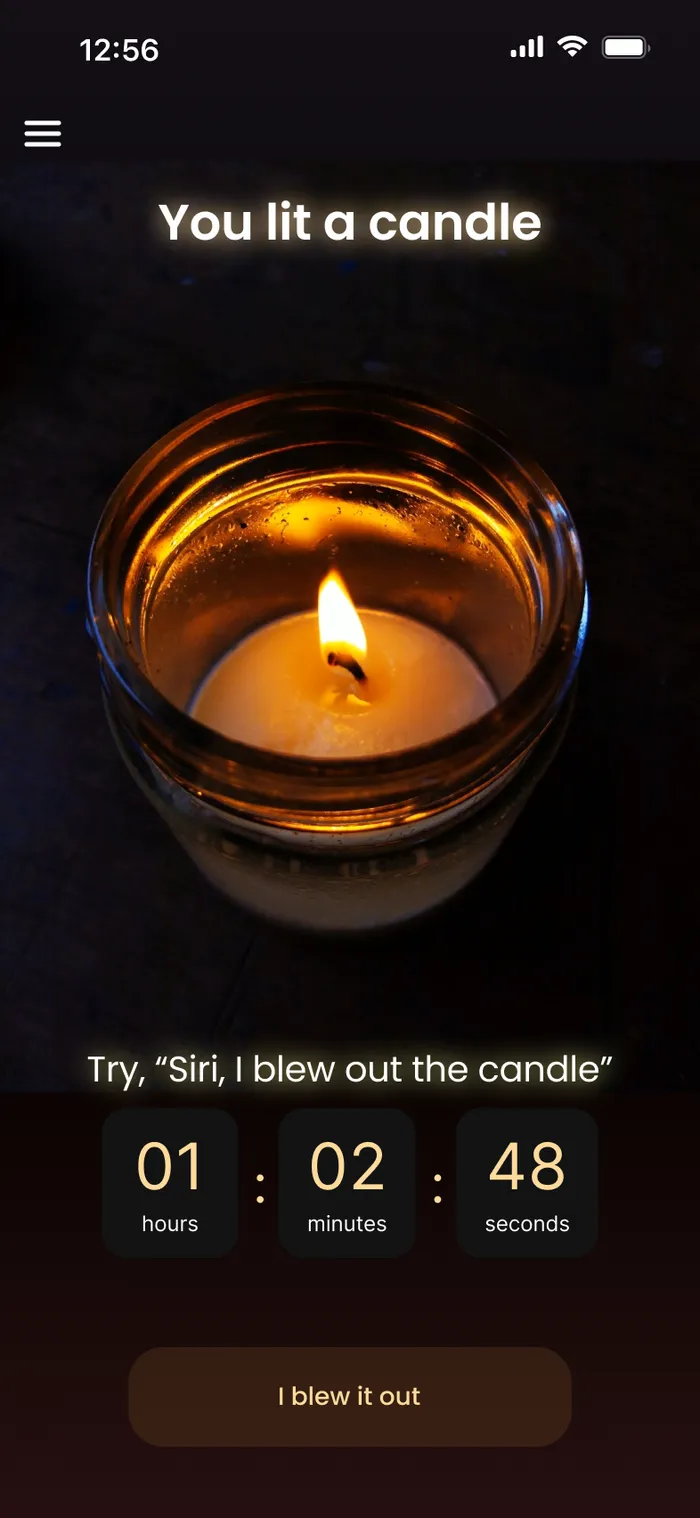
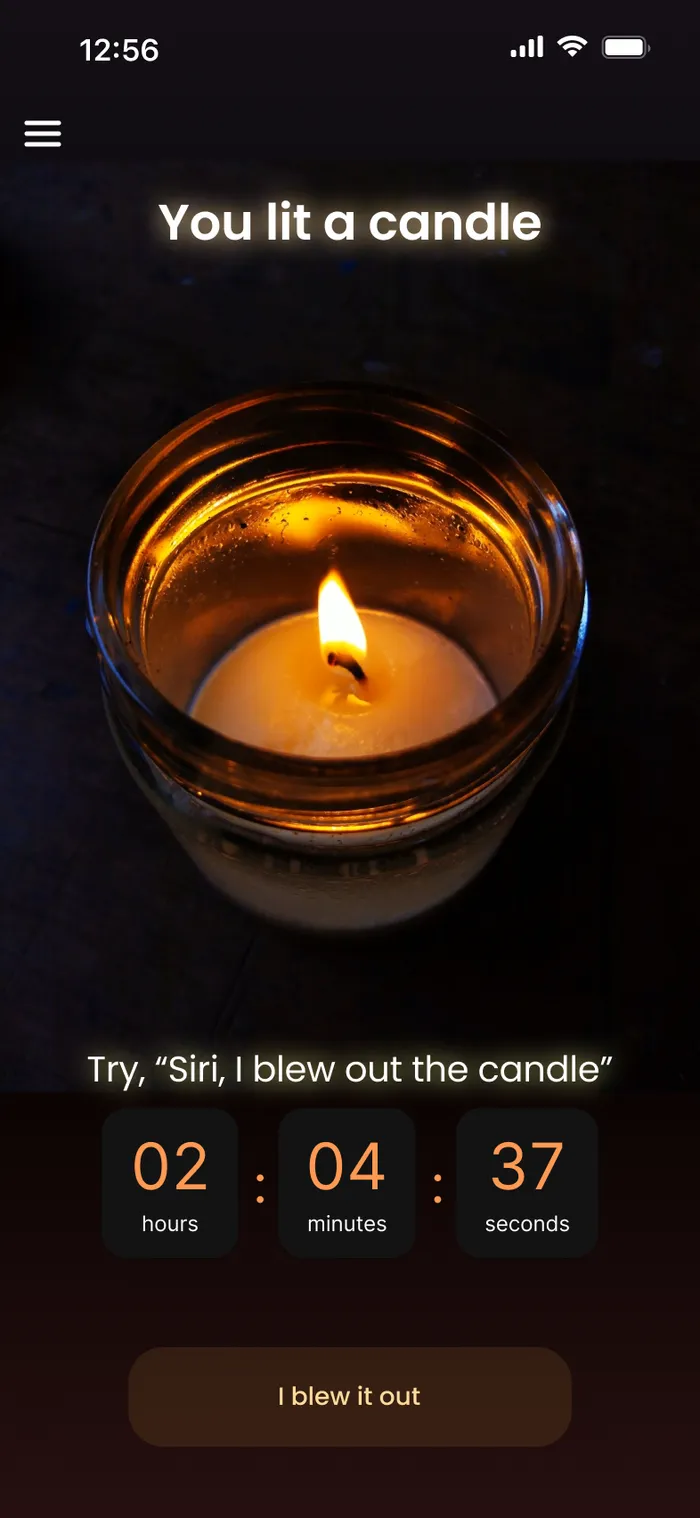
Candle Burning - 2 to 3 Hours
Candle Burning - 2 to 3 Hours“Try ‘Siri, I blew out the candle’”: a Siri shortcut to stop the timer hands-free.
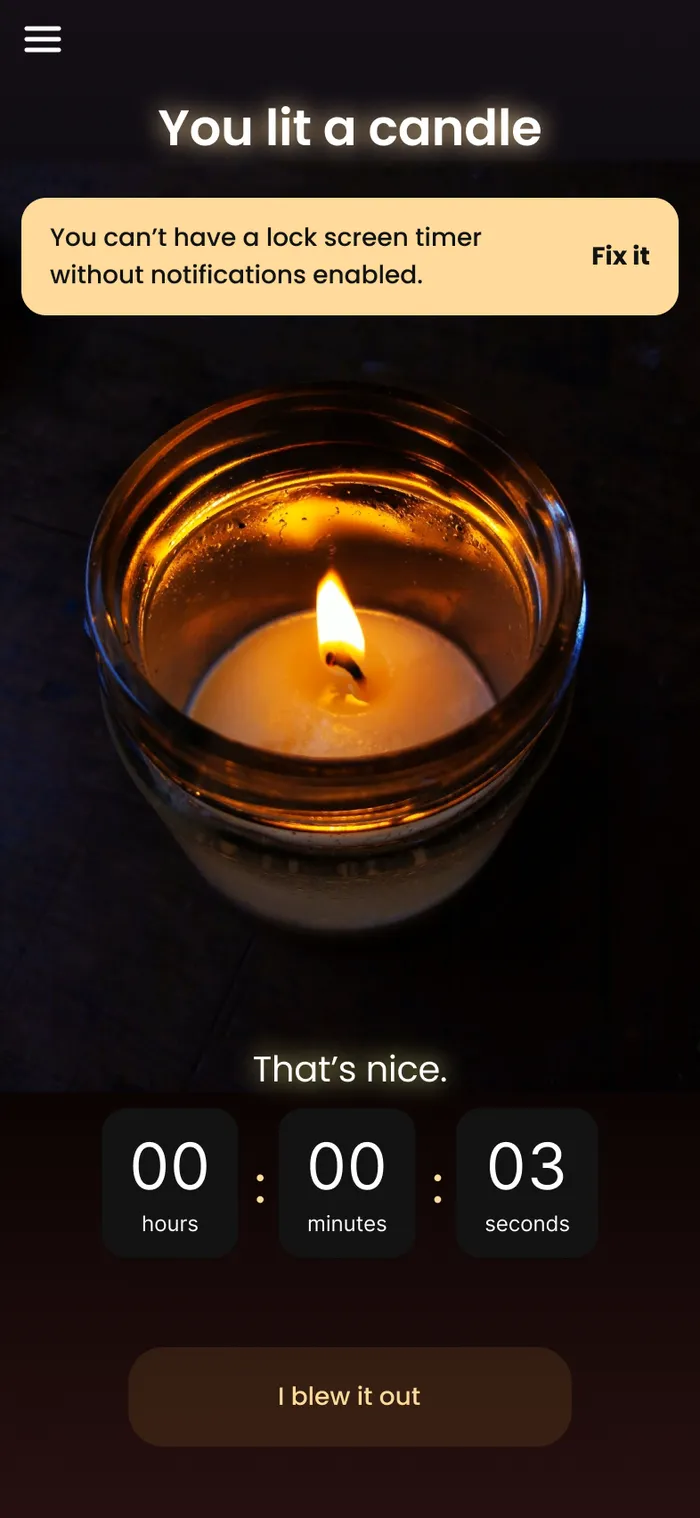
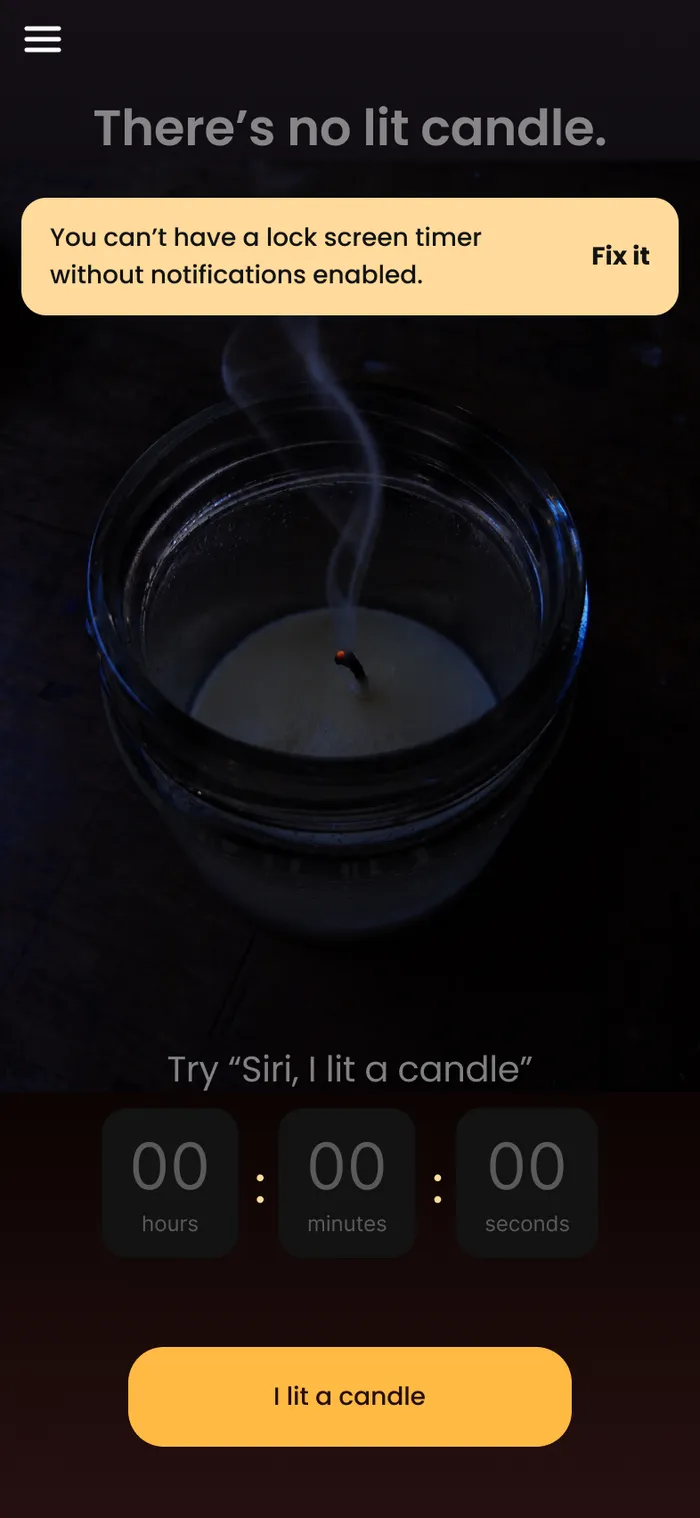
Notifications Off Warning
Notifications Off WarningA banner explains the lock-screen timer needs notifications, with a one-tap fix.
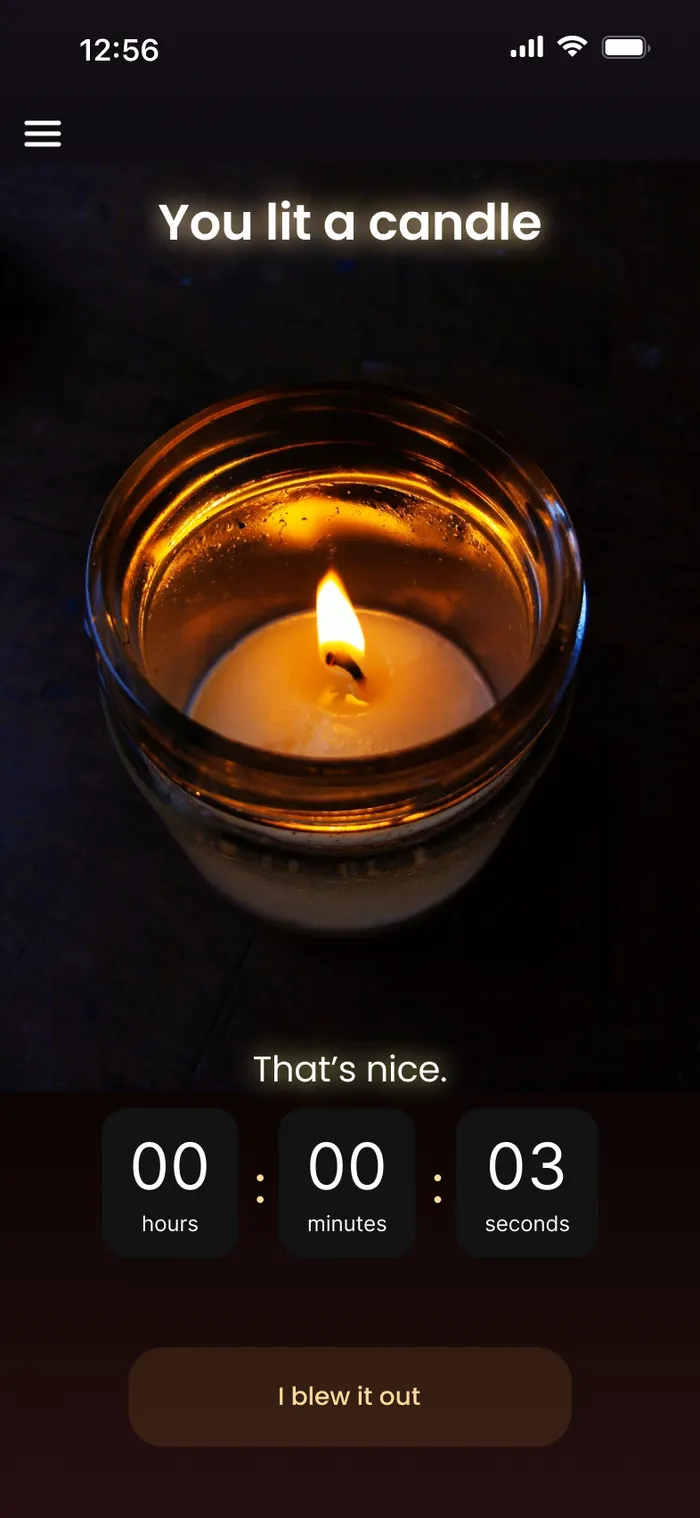
Candle Burning - Under an Hour
Candle Burning - Under an HourJust lit: a calm message and the timer starting.
No Candle Lit - Notifications Off
No Candle Lit - Notifications OffInactive state with the notifications reminder.
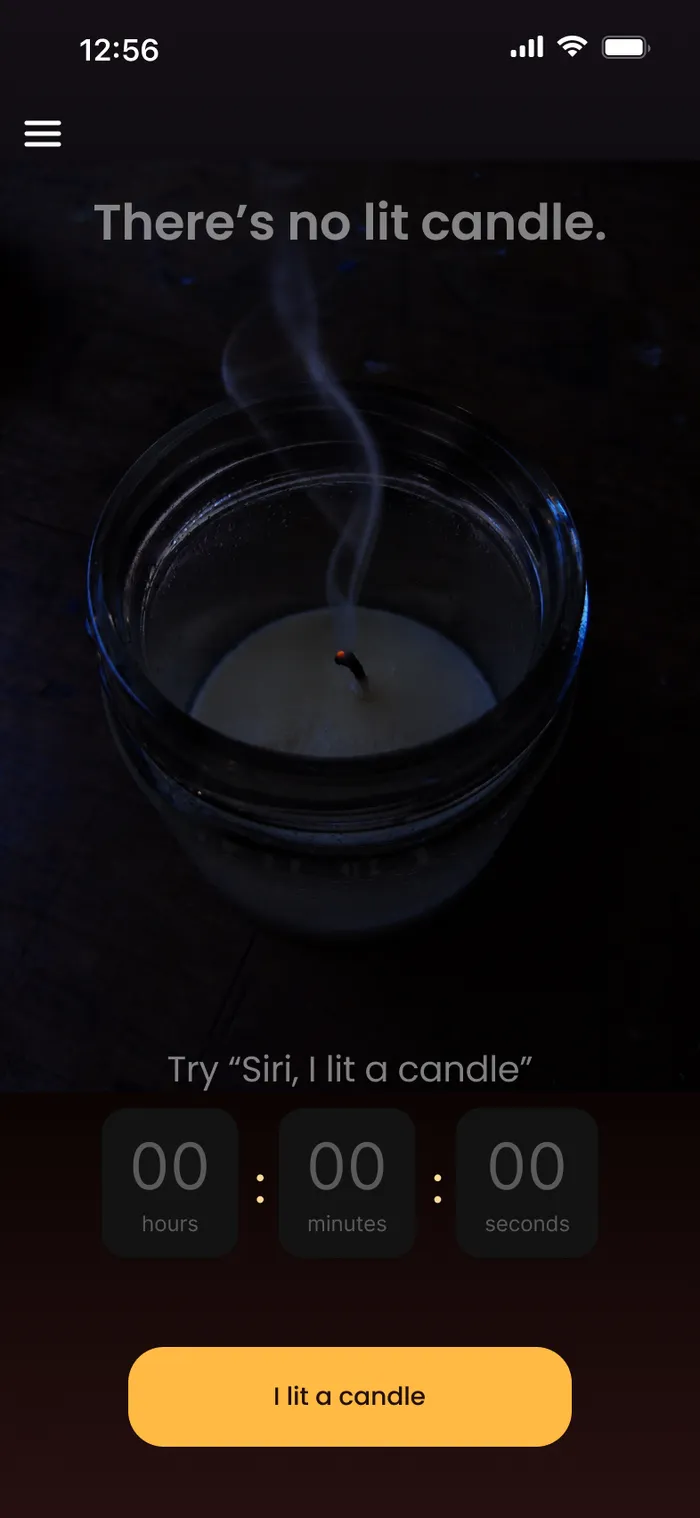
No Candle Lit
No Candle Lit“Try ‘Siri, I lit a candle’” to start the timer by voice.
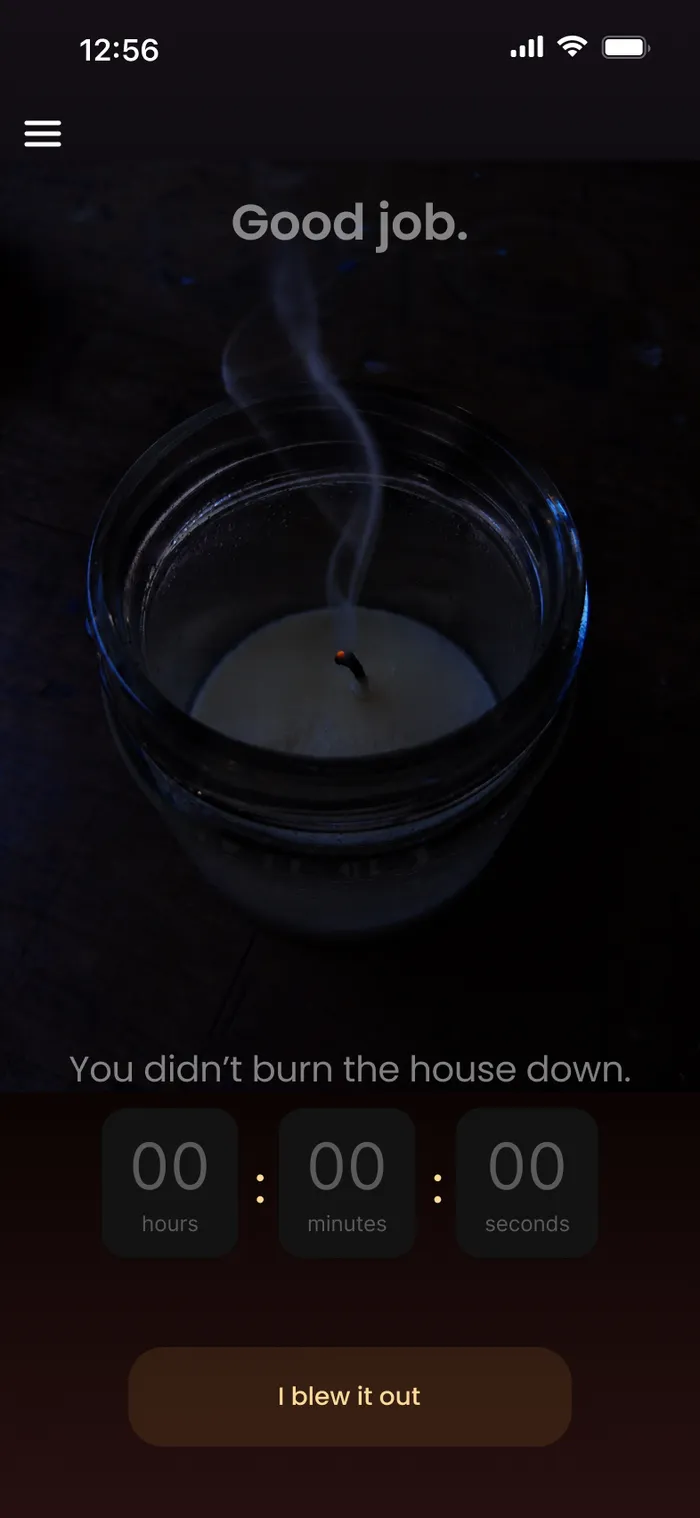
Candle Blown Out
Candle Blown Out“Good job.” The timer stops and the flame goes dark.
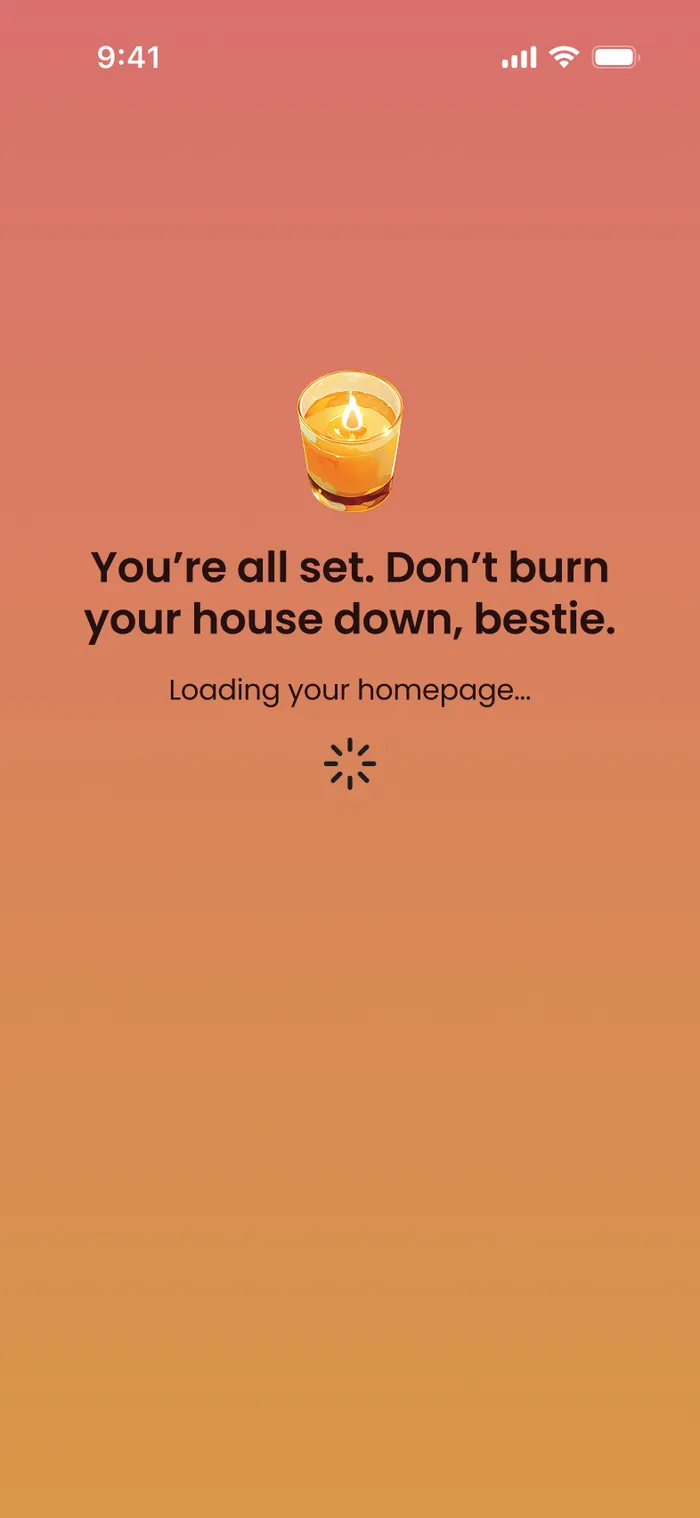
All Set
All SetOnboarding confirmation before loading the home screen.
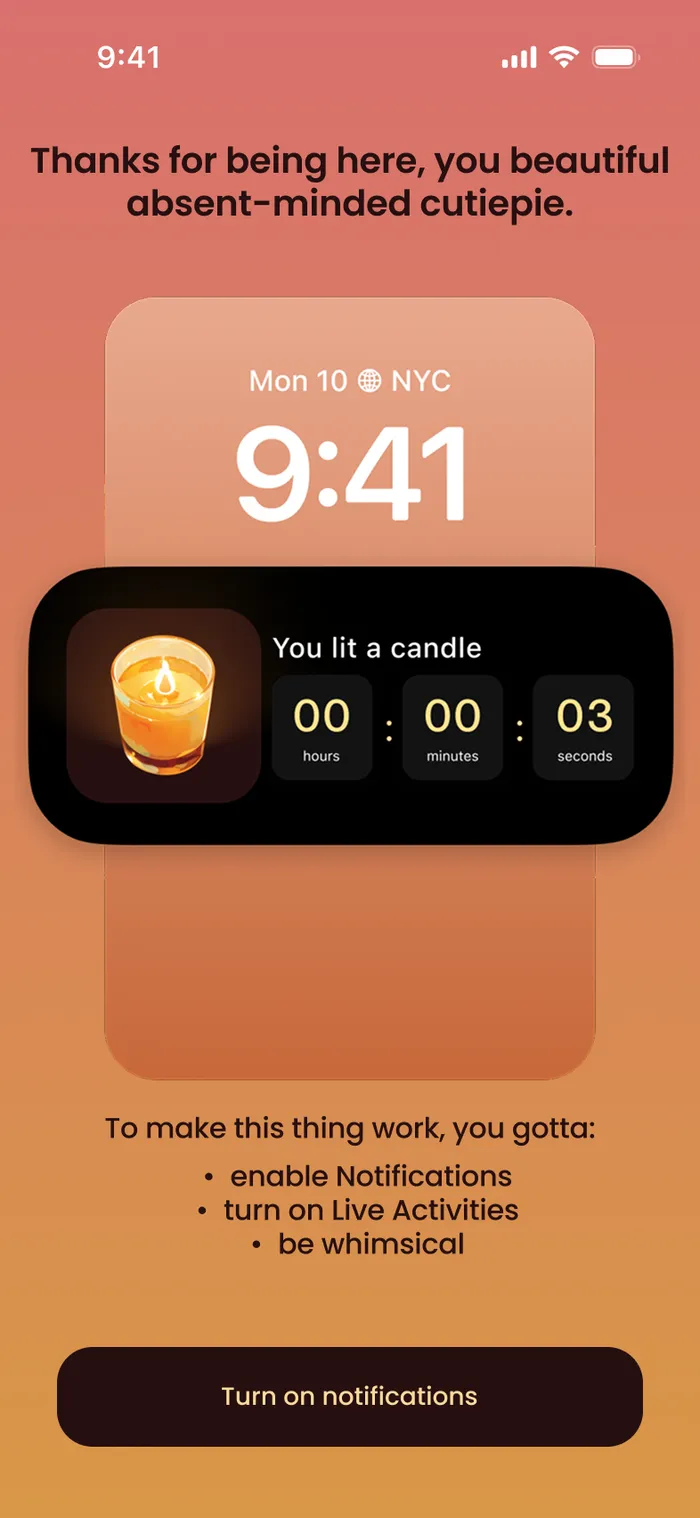
Turn On Notifications
Turn On NotificationsOnboarding shows the lock-screen timer before asking for permission.
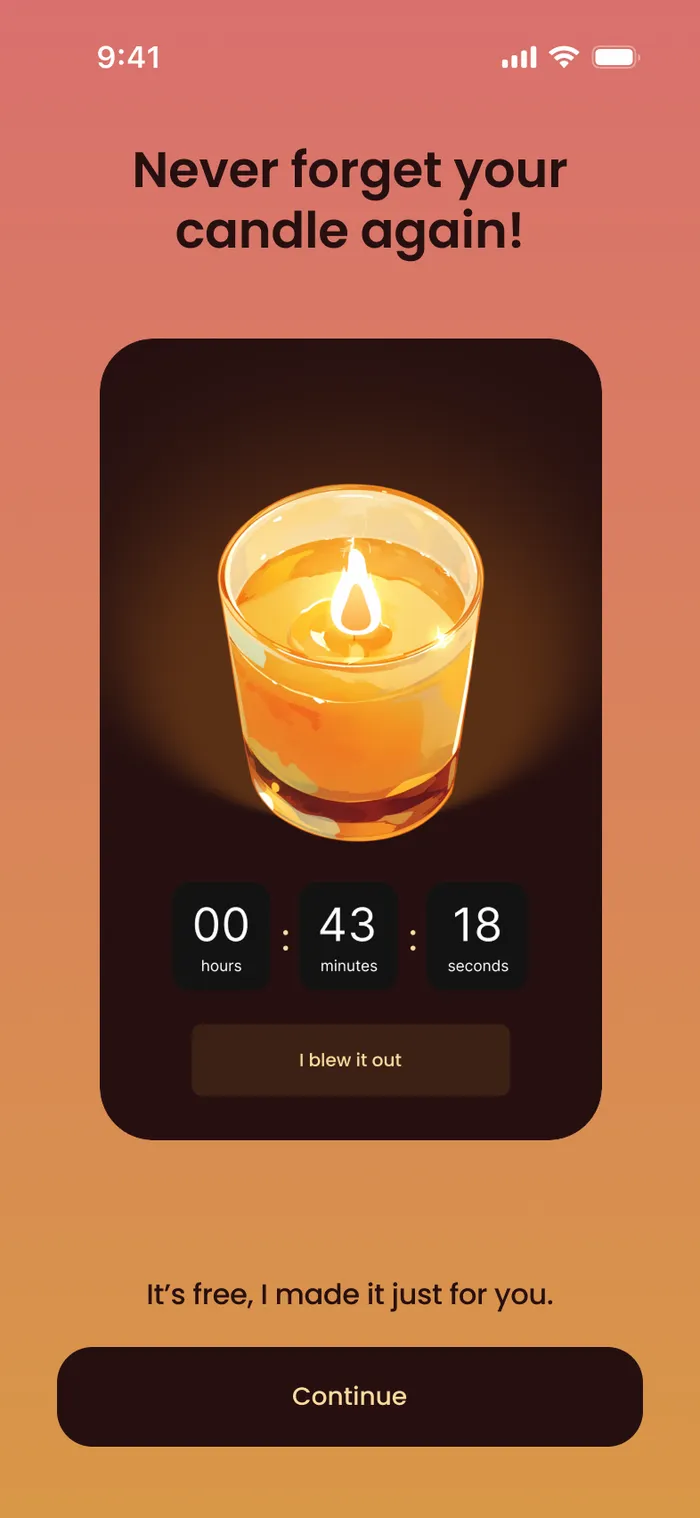
Splash
Splash“Never forget your candle again!”

In Context

1 image
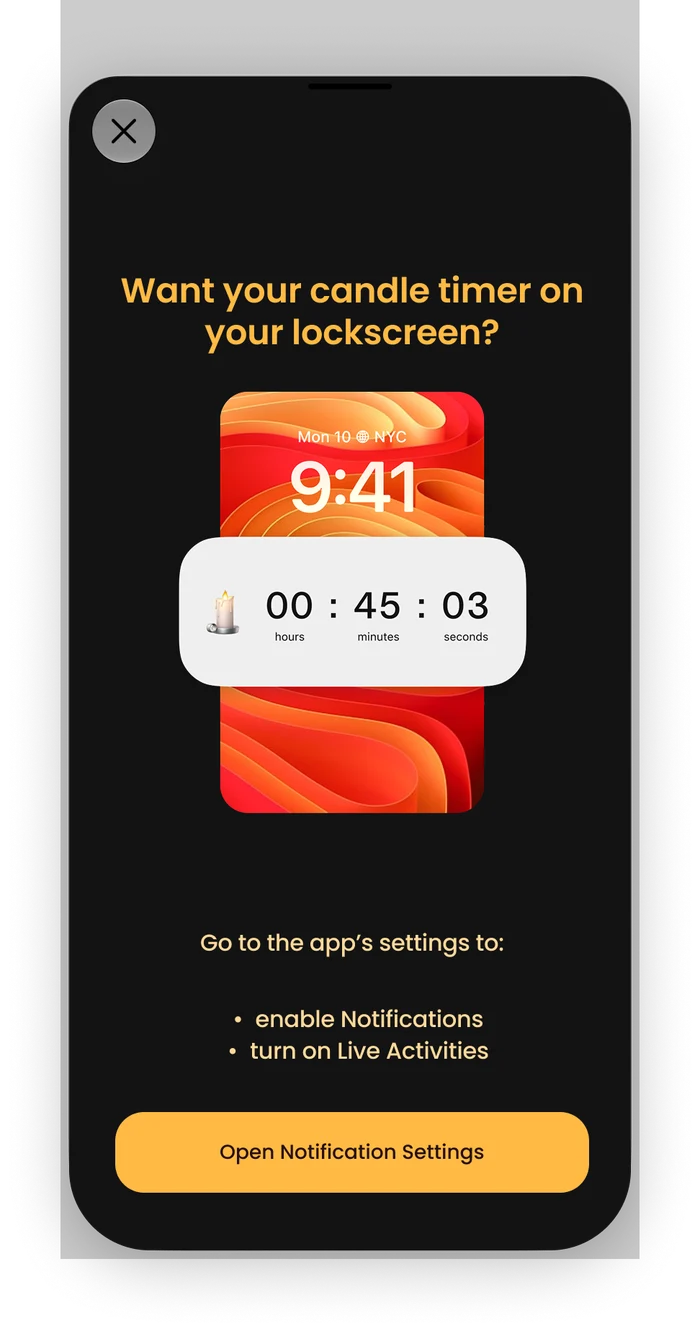
Lock Screen Timer Prompt
Lock Screen Timer PromptExplains the Live Activity and links straight to the settings to turn it on.